
Personal
One person, one independent Personal workspace.
See Personal pricingTransparent AI sales copilot
Sales Copilot is a real-time AI sales assistant that works without a meeting bot and without storing call recordings. It's built for sellers whose clients expect discretion, such as agencies, advisors and high-ticket B2B teams, and it tells you exactly what it captures, where it goes and what it keeps.
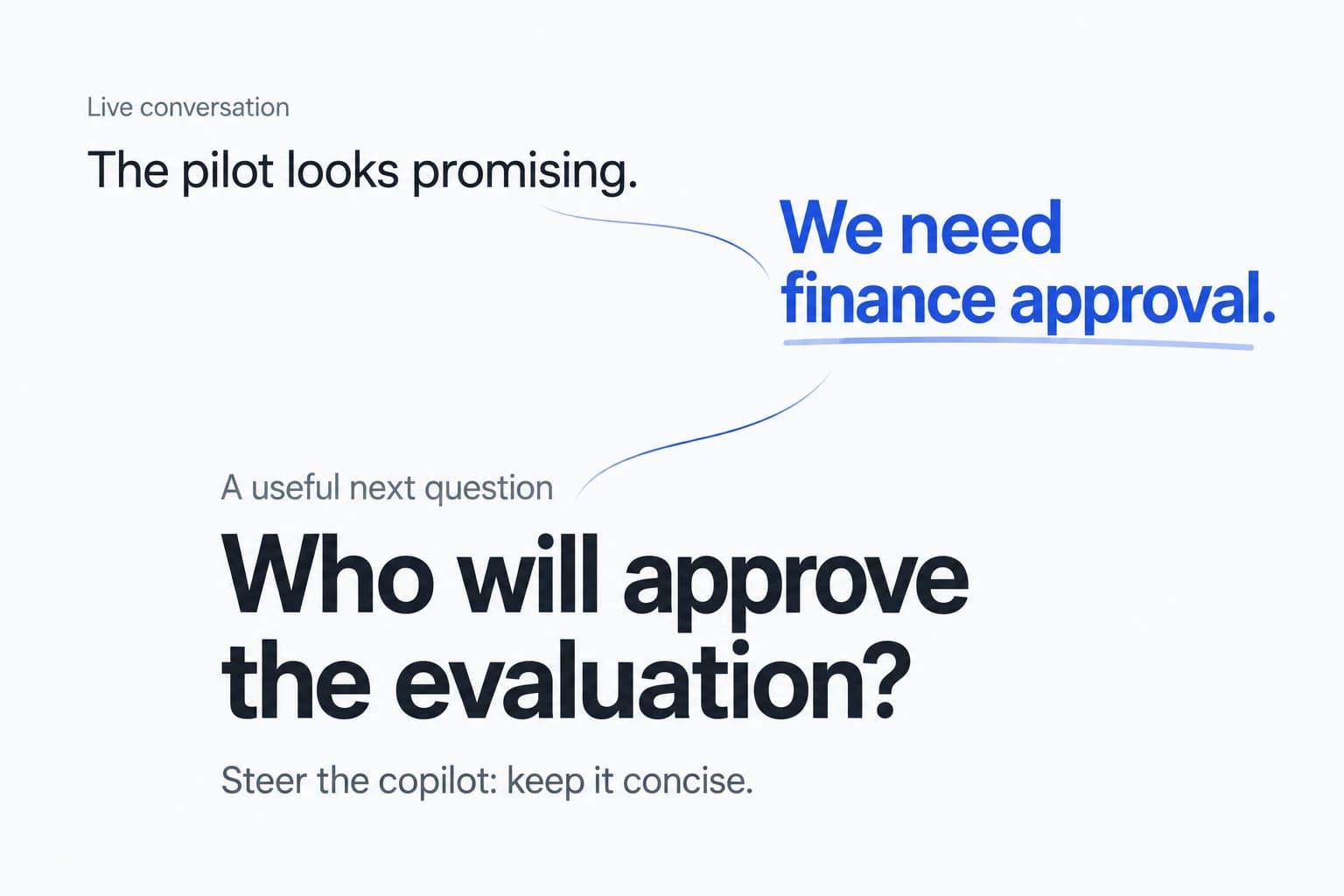
An AI sales assistant without a bot captures the conversation on your own computer, from your microphone and system audio, instead of adding a bot participant to the meeting. Sales Copilot works this way: it gives you on-screen answers during live calls without adding an automated meeting participant.
No bot does not mean no data. Live audio is still sent to servers for transcription, and transcripts are kept. Below is exactly what Sales Copilot captures, sends and stores, taken from our Privacy Policy.
From the moment you start a call to the moment you delete your account. If something here changes, we'll update this page and our Privacy Policy.
| Data | What happens |
|---|---|
| Live microphone and system audio | Streamed to our servers and our speech-recognition provider to produce text. Not stored as a recording. |
| Recordings, screenshots, screen video | Not stored. The app does not read your screen. Your OS may ask for a screen-recording permission to capture system audio; it isn't used to understand your screen. |
| Transcripts, suggestions, debriefs, coaching memory | Stored in your workspace so you can review them. No automatic expiry by default. |
| Documents and Playbooks you upload | Stored in your workspace with their own sharing choices. Archiving a document is not physical erasure. |
| AI processing | Requests pass through our model gateway to the model services used for each function. Processing is not limited to your device and may happen outside your country. |
| Team visibility | Personal content stays separate. New Team sessions are shared with their author and the Team's owner and admins for review after the session; the author can make a session private. |
| Deletion | Account deletion removes your Personal workspace and private Team content through a cleanup workflow. Deletion controls don't yet cover every part of the structured-data lifecycle, and removal from every log, backup or provider isn't immediate. |
Summary of the Sales Copilot Privacy Policy. If this summary and the policy ever differ, the policy applies.
No meeting bot joins, but live audio is processed remotely and structured history is stored. No invisibility or screen-sharing behavior is guaranteed.
Pitch and client calls with your case studies and pricing on screen, without a bot appearing in your client's meeting.
Draw on your own materials for detailed questions and check the facts before you say them. If you work in a regulated industry, check your recordkeeping and consent obligations before use.
Security reviews, procurement and executive calls where a visible notetaker can change the tone of the conversation.
Three common ways AI shows up on a sales call, and what each means for the people on it.
| Sales Copilot | Bot-based meeting notetakers | “Undetectable” AI assistants | |
|---|---|---|---|
| In the participant list | No bot | Usually a visible bot participant | No bot |
| Stance on disclosure | Users and organizations handle notice and consent obligations | Visible bot participant; notice obligations still apply | Marketed as hidden from other participants |
| Audio recordings | Not stored | Often stored for playback | Varies by product |
| Main help | Live answers from your sales materials, plus prep and debrief | Notes and summaries after the call | Live answers; often general-purpose |
| Data policy | Plain-English summary above, including current limits | Varies by vendor | Varies by vendor |
Category descriptions are general and individual products vary. Check each vendor's documentation for specifics.
See the pricing page for current subscription prices and availability.
One person, one independent Personal workspace.
See Personal pricingA separate Team workspace. A valid Team subscription covers its admitted members.
See Team pricingPersonal use requires a subscription. There is no free trial or preview.
No. Sales Copilot is a desktop app that captures your microphone and system audio. Nothing is added to the meeting's participant list.
The product does not store raw audio, recordings, screenshots or screen video. Live audio is streamed to our servers and our speech-recognition provider to produce text in real time.
Yes. Transcripts, suggestions, debriefs, Account Action Plans and coaching memory are stored in your workspace so you can review them. They have no automatic expiry by default.
Account deletion removes your Personal workspace and your private Team content through a cleanup workflow. Deletion controls do not yet cover every part of the structured-data lifecycle, and deletion does not mean immediate removal from every log, backup or external provider. The Privacy Policy describes the details.
No invisibility or screen-sharing behavior is guaranteed. No bot joins, but live audio is processed remotely and structured history is stored. You and your organization are responsible for the notice and consent obligations that apply to each call.
No. It does not read your screen or store screenshots or screen video. Your operating system may require a screen-recording permission to capture system audio; the product does not use it to understand your screen.
Audio, text and document content are processed by speech-recognition and AI model providers to deliver the service. Processing is not limited to your device and may take place outside your country. See the Privacy Policy for provider and data-handling details.
Your Personal workspace is private to you. In a Team, new sessions are shared with their author and the Team's owner and administrators for review after the session, and the author can make a session private.
See Pricing for current subscription prices and availability. Personal use requires a Personal subscription; a valid Team subscription covers its admitted members. There is no free trial or preview.
No bot, no stored recordings and a data policy you can read in five minutes.
Sign upRead the Privacy Policy