
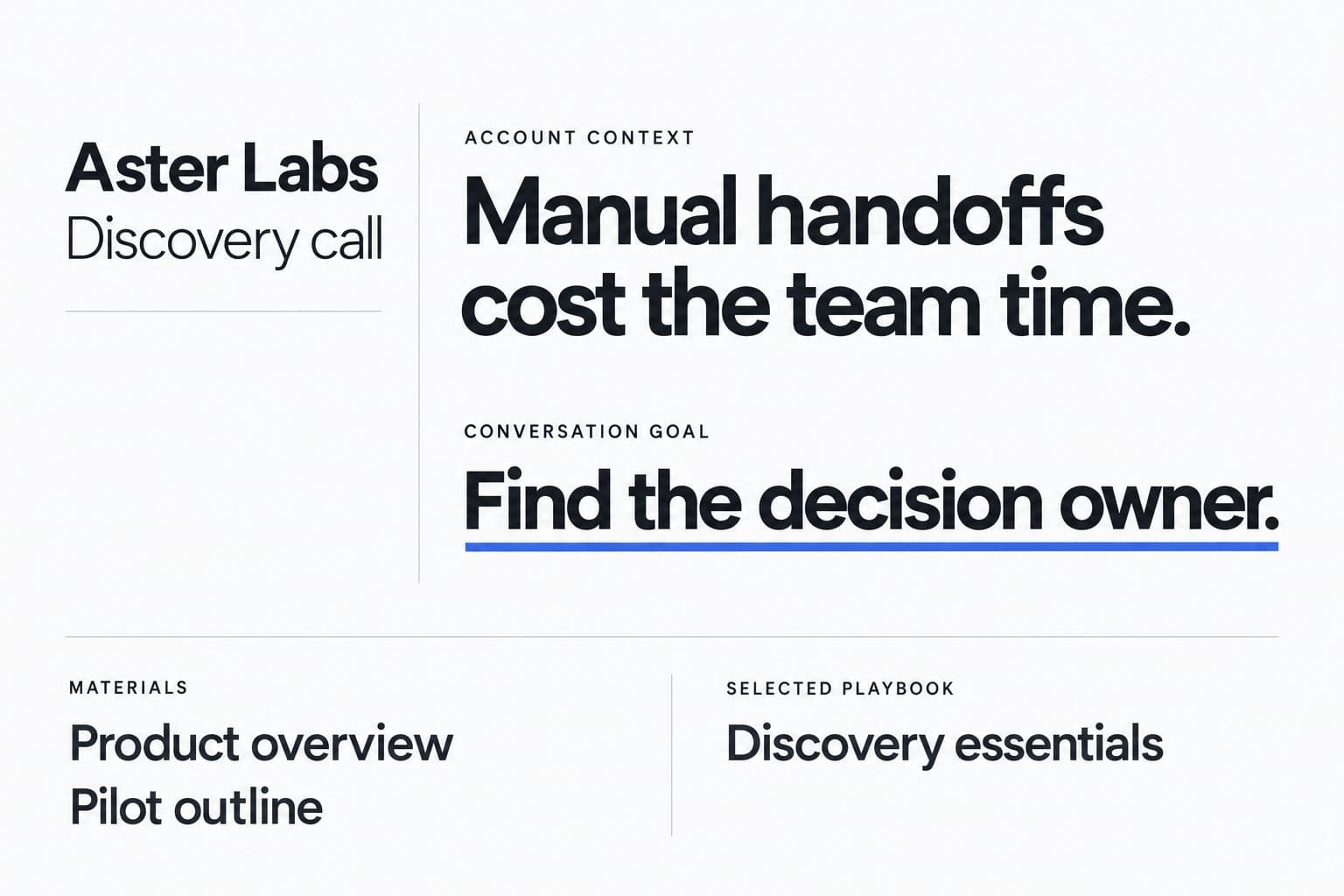
One source of truth for messaging.
Explicitly shared Team materials and Playbooks mean a new rep prepares with the same pricing, proof and positioning as your best rep.
For sales managers with 5 to 50 reps
Sales Copilot gives every rep AI roleplay before the call, on-screen guidance during it and a debrief with coaching memory after it, all built on the Playbooks and materials you share with your team. Use a separate Team workspace and check current pricing and availability.
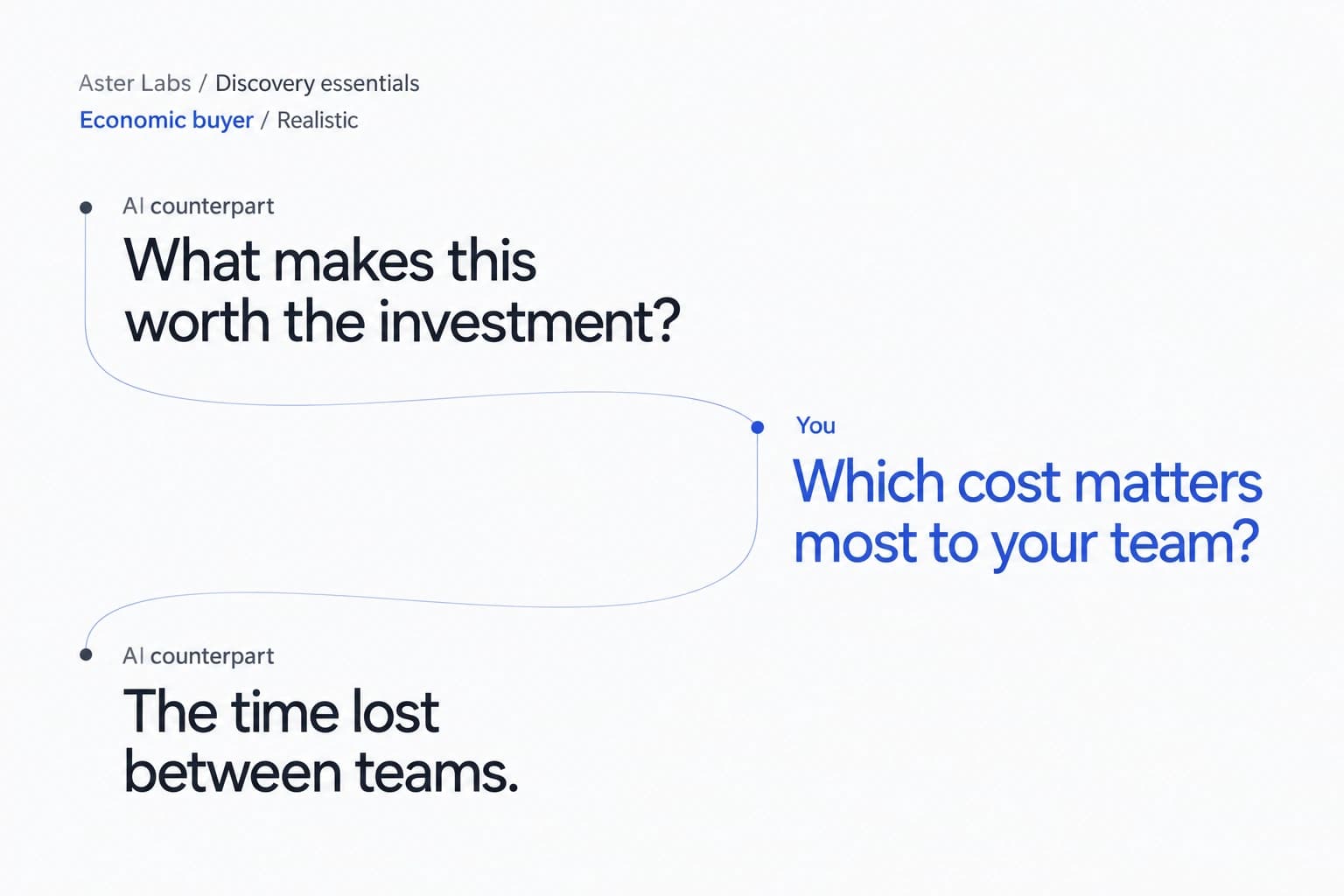
AI sales roleplay is practice against an AI buyer that asks the questions and raises the objections a real prospect would, so reps can rehearse before a live call instead of learning on your pipeline. In Sales Copilot, reps choose a buyer persona and a difficulty level and rehearse with your actual materials and Playbook.
Ramp time is how long a new rep takes to sell on their own. Sales Copilot targets the gap between training and real calls: reps practice the hard conversations first, get on-screen guidance from your team's materials during live calls, and review a debrief with coaching memory afterwards.
Put your messaging in one place and let every rep train and sell from it.
Add pricing, case studies and competitor positioning to your Team workspace and share the Playbooks reps should use.
Each rep practices against AI buyer personas at a difficulty they choose, before the real conversation.
On real calls, the desktop app surfaces answers and talking points from the shared materials.
Reps get a debrief and coaching memory. Owners and admins can review shared Team sessions after the call.
Explicitly shared Team materials and Playbooks mean a new rep prepares with the same pricing, proof and positioning as your best rep.
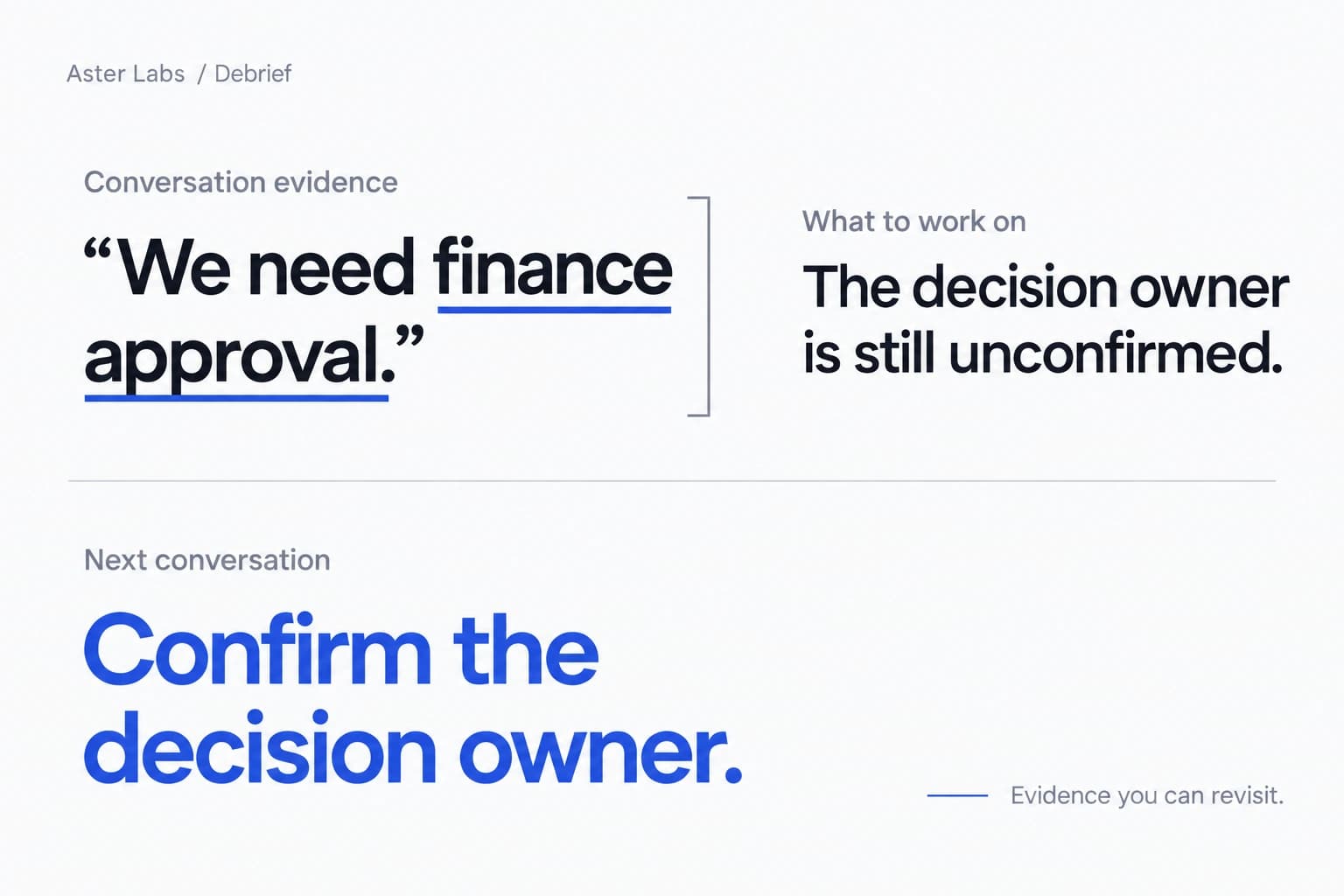
After each call, reps see strengths and practice opportunities tied to evidence from the transcript, plus the next step on the Account Action Plan.
Manage Team members and roles on the web, with clear boundaries between Team and Personal content.
Let new reps rehearse discovery and pricing conversations against AI buyers before their first live calls, then debrief every call they run.
Update the shared Playbook and materials once. Reps rehearse the new message and get it on screen when buyers ask.
Practice with Economic buyer and Procurement personas at Challenging difficulty before the bigger deals reach your team.
How Sales Copilot fits next to the ways small teams usually ramp reps today.
| Sales Copilot | Shadowing and manager roleplay | Enterprise conversation-intelligence suites | |
|---|---|---|---|
| Practice before live calls | AI buyer personas, any time, on the rep's real deal context | Limited by manager and peer availability | Varies; often focused on reviewing recorded calls |
| Help during the call | On-screen answers from shared materials and Playbooks | Only if a manager joins the call | Varies by product and package |
| After the call | Debrief with transcript evidence, Account Action Plan, coaching memory | Manager feedback when time allows | Recording libraries, analytics and scorecards |
| Setup and buying | Separate Team workspace; see current pricing | Manager time | Typically sales-led with annual contracts and minimums |
Category descriptions are general and individual products vary. Check each vendor's documentation and pricing for specifics.
See the pricing page for current subscription prices and availability.
One person, one independent Personal workspace.
See Personal pricingA separate Team workspace. A valid Team subscription covers its admitted members.
See Team pricingPersonal use requires a subscription. There is no free trial or preview.
Practice against an AI buyer that asks the questions and raises the objections a real prospect would. In Sales Copilot, a rep picks a persona, such as Economic buyer or Procurement, and a difficulty level (Cooperative, Realistic or Challenging), then speaks their answers while the AI counterpart replies in text, using the deal's own context, materials and Playbook.
It gives new reps three things a manager can't provide on every call: practice against an AI buyer, on-screen answers from your team's materials during live calls, and a debrief with transcript evidence and coaching memory afterwards. It doesn't replace your onboarding plan; it gives reps more repetitions with your real messaging.
New Team sessions are shared with their author and the Team's current owner and administrators for review after the session. The author can make a session private. Shared review does not include the rep's private live guidance, steering, separate preparation or coaching memory.
Yes. Materials and Playbooks can be explicitly shared into the Team workspace, so reps rehearse and sell from the same positioning. Documents and Playbooks have their own sharing choices.
No. A valid Team subscription covers its admitted members; they do not also need a Personal subscription. See Pricing for current Team subscription prices and availability.
Sales Copilot's published materials don't list a CRM integration today. Reps keep deal context in Prospects, and Account Action Plans stay with each Prospect.
No. Each rep runs the desktop app, which captures microphone and system audio. Nothing joins the meeting's participant list. The product does not store raw audio or recordings.
See Pricing for current subscription prices and availability. Personal use requires a Personal subscription; a valid Team subscription covers its admitted members. There is no free trial or preview.
Your organization and each user are responsible for the notice and consent obligations that apply to each call. Sales Copilot does not collect participant consent on your behalf.
Set up a Team workspace, share your Playbook and let reps practice before the calls that count.
Sign upSee Team pricing